Messenger
Conversations that start where the collaboration does.
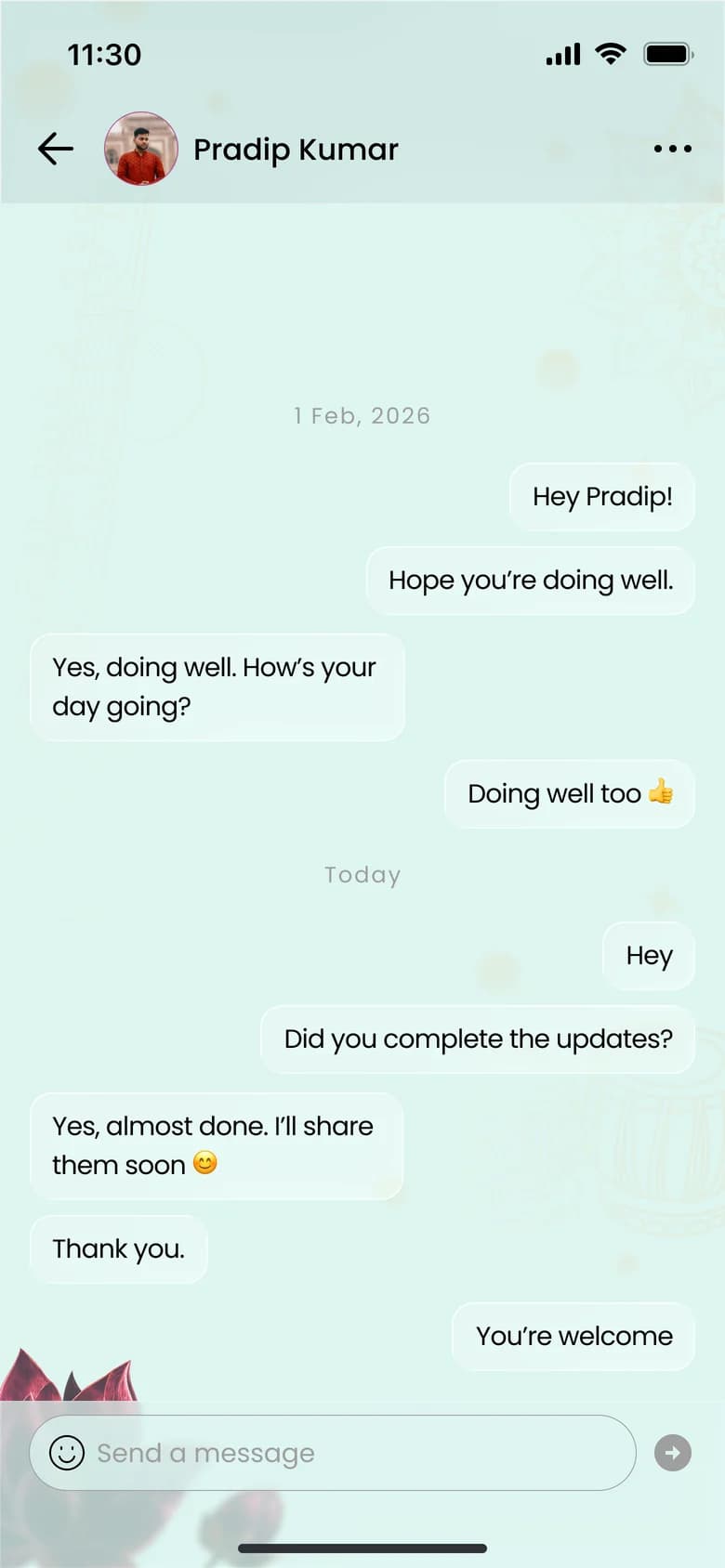
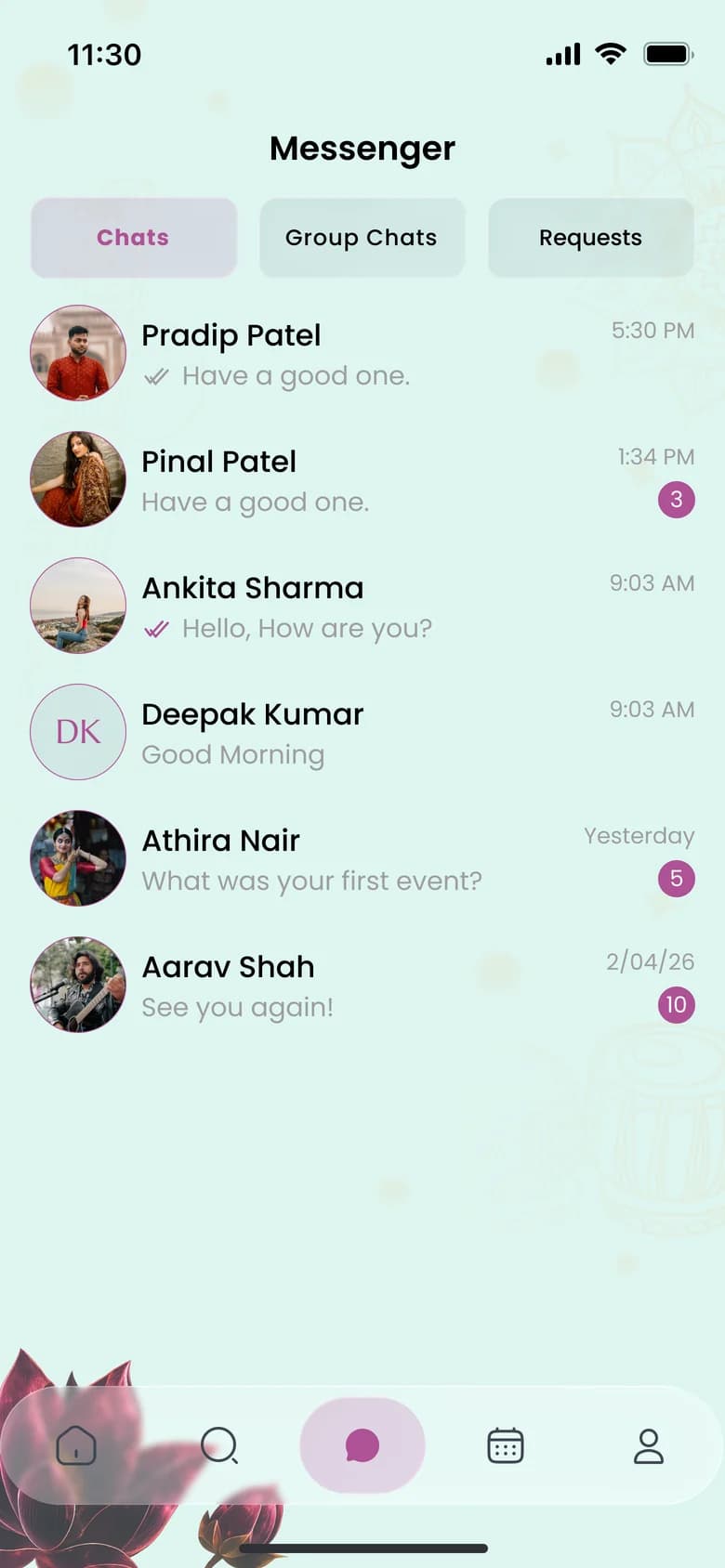
Message artists, organizers and venue owners inside Sahacharya. New conversations from people you are not connected with arrive as requests you can accept or decline, and you can create group chats with your connections.
All featuresThe problem
Collaborations stall when the conversation has to move to personal numbers before anyone knows each other.
How it works
- 1
Open a profile and tap Message, or start from the Messenger tab.
- 2
If you are not yet connected, your message arrives as a request.
- 3
Create a group chat by naming it and choosing at least two connections.
- 4
Rename a group and add or remove members from Group Info.
Who it helps
Highlights
The details that make the difference.
Chats
Real-time one-to-one conversations with read status.
Group chats
Bring a troupe, a production team or a festival crew into one thread.
Requests
You decide which new conversations to accept.
Profiles first
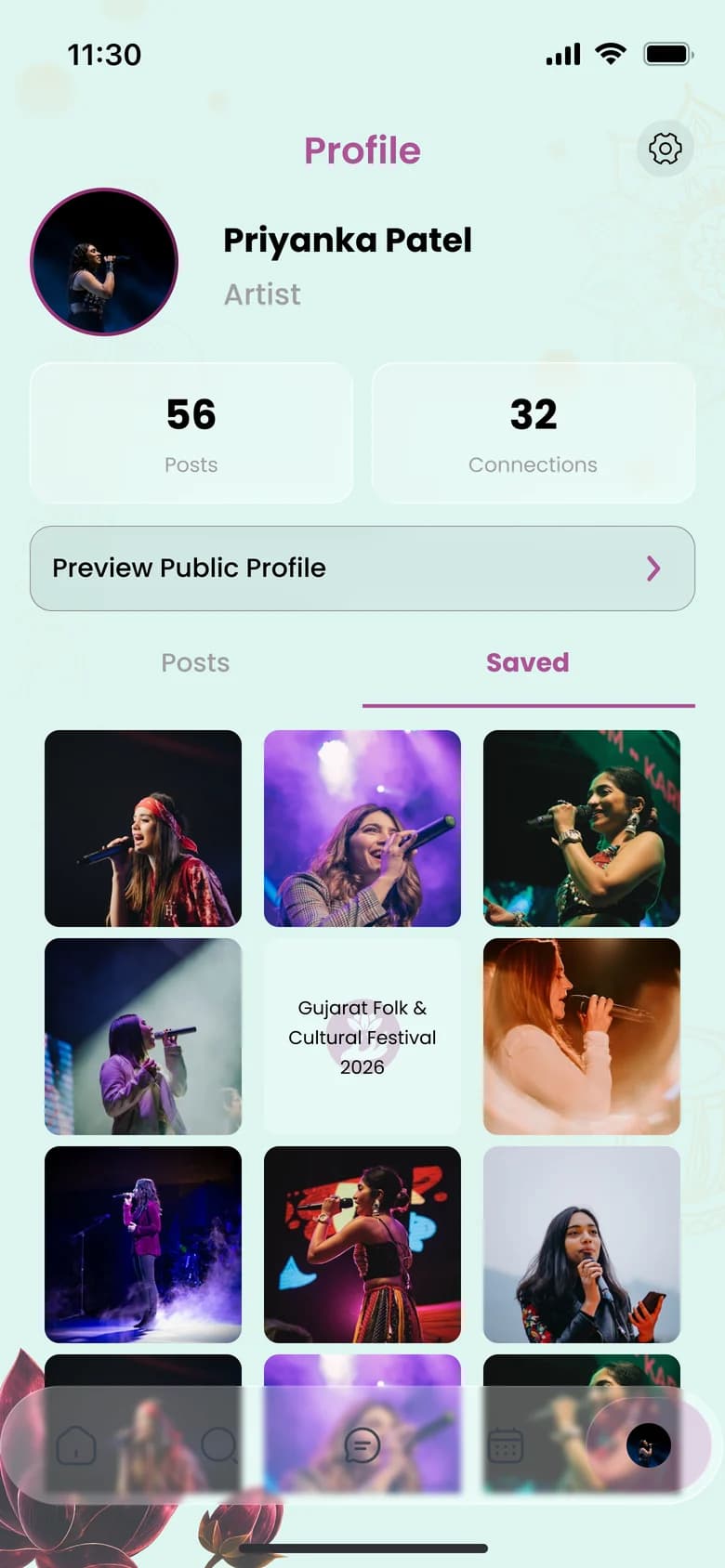
See who you are talking to: every chat links back to a full profile.

Take your place in the community.
Sahacharya is being prepared for the App Store and Google Play. Store links will appear here as soon as the listings are live.
- Coming soon toApp Store
- Coming soon toGoogle Play