Applications & RSVPs
From “Apply now” to “You’re in”, without the follow-up messages.
Artists apply with their personal and performance details and a proposal. Hosts review each application and accept or decline it, and both sides see the status update in the app and in notifications.
All featuresThe problem
Applying to opportunities usually means forms, emails and waiting with no visibility. Hosts juggle spreadsheets of applicants.
How it works
- 1
Open an audition or festival and tap Apply Now.
- 2
Fill in your details, performance information and proposal, and confirm the eligibility statements.
- 3
Track your application under Applied; hosts see it under Hosted with the full applicant list.
- 4
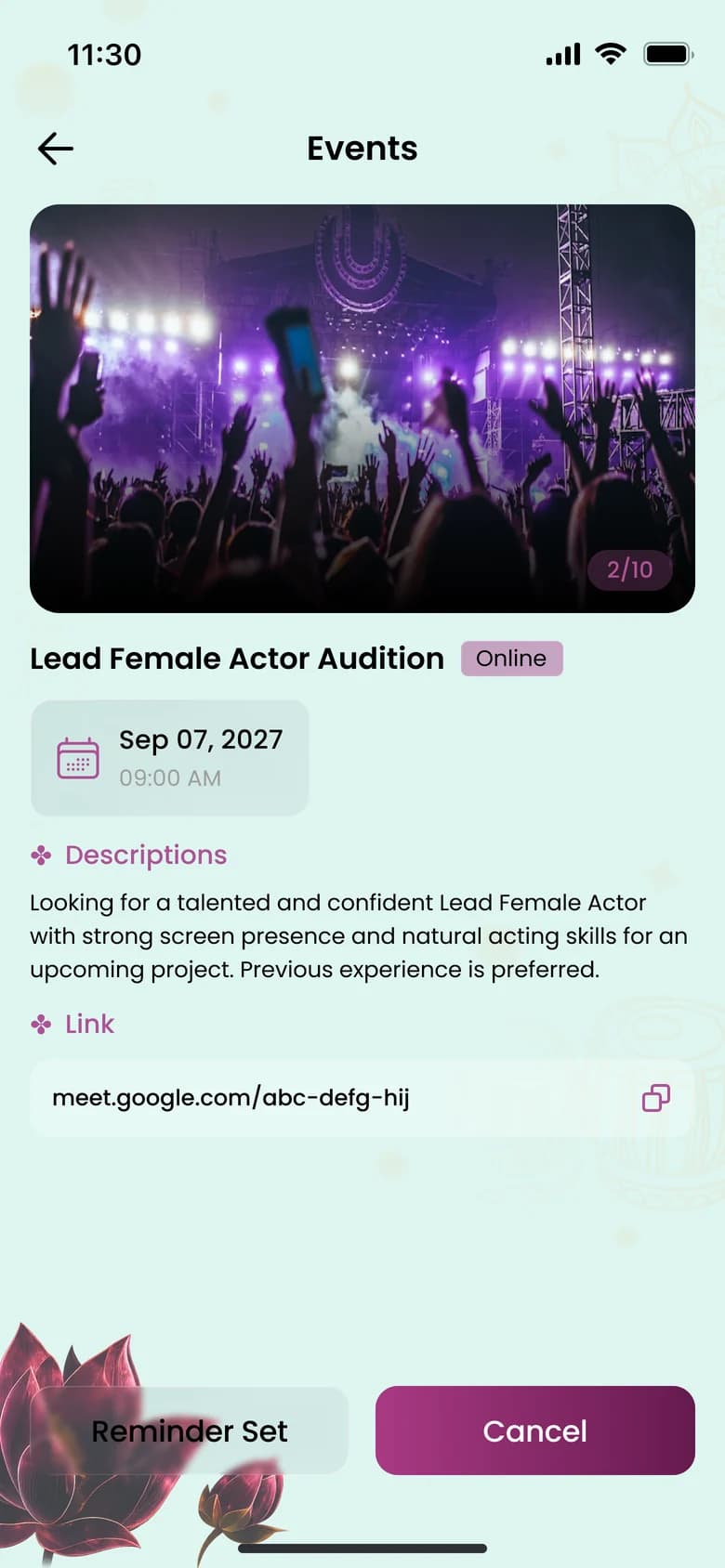
For events, tap RSVP and choose a reminder: 1 day, 1 hour or 15 minutes before.
Who it helps
Highlights
The details that make the difference.
Clear statuses
Pending, accepted, declined, and for auditions, shortlisted or selected.
Withdraw anytime
Changed plans? Withdraw your application from the application screen.
Applicant review
Hosts see each applicant’s details and proposal before deciding.
Reminders
Choose a reminder when you RSVP so the day doesn’t slip by.

Take your place in the community.
Sahacharya is being prepared for the App Store and Google Play. Store links will appear here as soon as the listings are live.
- Coming soon toApp Store
- Coming soon toGoogle Play